The Real Cost of Late Invoices for Freelancers (And What to Do About It)
Half of freelancers deal with late payments regularly. Here's what that actually costs you — and how automation fixes the problem without the awkward follow-up emails.
The Real Cost of Late Invoices for Freelancers (And What to Do About It)
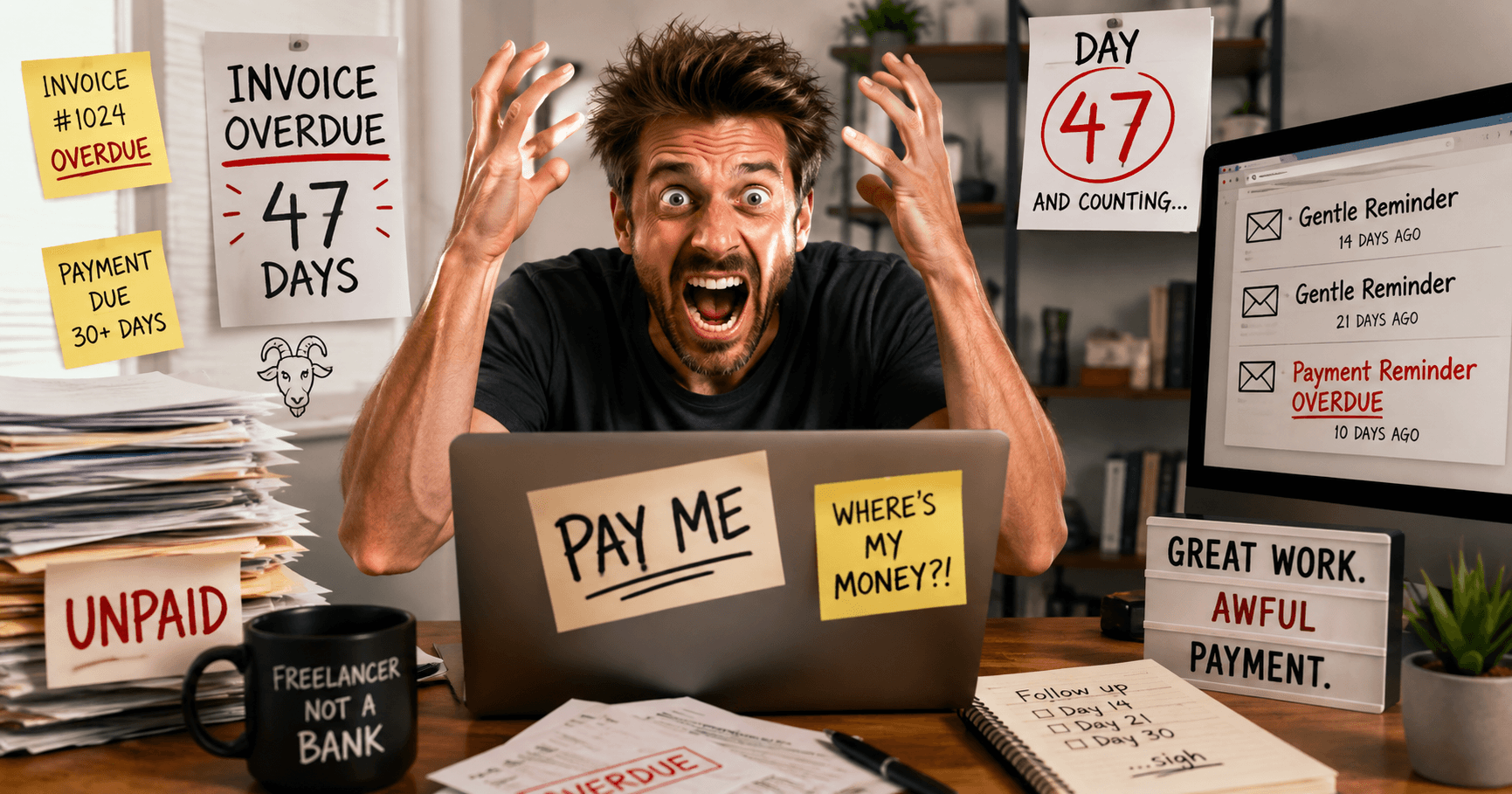
You sent the invoice on day one. It's now day 47. You've sent two "gentle reminders" and one more direct message that walked the line between professional and annoyed. The email sits in your sent folder, and the payment still hasn't hit your account.
This isn't unique to you. About 50% of freelancers report that clients pay late. That's not a small percentage. That's half your potential revenue sitting in someone else's bank account, waiting.
The Cash Flow Squeeze Is Real
Late invoices don't just feel bad. They have real consequences. When a client pays 30 days late instead of 14, you're effectively giving them an interest-free loan. If you're running lean — which most freelancers are — that's money you might need for tools, software, or just keeping the lights on.
The math gets worse if you have multiple clients. One late invoice? Annoying. Three? Now you're stressed. Five? You might be cutting a corner somewhere you shouldn't.
Beyond the financial stress, there's the emotional tax. Chasing down payment for work you've already completed feels bad. It feels unprofessional, even though it's not. You did the work. You earned it. But asking for your own money requires multiple follow-ups and starts to damage the client relationship you've worked to build.
Why Manual Follow-Up Fails
You know what you should do: send a reminder on day 14, another on day 21, escalate on day 30. Consistent, predictable, professional. But you don't do that. Not because you don't want to, but because it lives in your head as another task. Another email to remember. Another thing to feel awkward about.
So you skip it, hoping it'll resolve on its own. Sometimes it does. Often it doesn't.
Some freelancers try spreadsheets. A row for each invoice, a column for the due date, another for follow-up dates. It works for a week, then you're busy with client work and the spreadsheet becomes more of a guilt monument than a system.
Automation Actually Works Here
Here's what changes when you automate: the awkwardness disappears because you're not the one doing the chasing. The system is.
You set it up once: send a reminder 3 days before the due date, another on the due date, an escalated message on day 10 past due. Then you don't think about it again. Your clients get the reminders automatically, without you having to remember or feel like you're being pushy.
The best part? You can personalize them. It's not a robot's message — it's a message from you, on your schedule, saying exactly what you'd want to say if you had the mental space to remember.
The Numbers Back It Up
Businesses that automate invoice follow-ups see about a 40% reduction in days to payment. That's not marginal. That's meaningful. If you're invoicing $10,000 a month and getting paid 30 days late instead of 14, you've just freed up cash flow equivalent to 16 days of your income.
Multiply that across a year, and the difference is substantial.
Start Today
You don't need complicated software to handle this. You need something simple that does one thing: remind clients to pay you, automatically, without you having to think about it.
InvoiceGoat handles this in the background. Upload your invoices via CSV, set your follow-up schedule, and let it work. No spreadsheets. No guilt. Just payment showing up closer to when it should.
Your cash flow shouldn't be a source of stress. It should be predictable.
If you're serious about protecting your links, your data, and your brand, it's time to stop sharing raw URLs.
Start using Bilt.ly.
Get started free →